Assess
Work through unfamiliar problems while Noesis observes how you approach them.
Noesis combines cognitive assessment, strategy feedback, and adaptive training to make your approach to unfamiliar problems visible and improvable.
A complete starter assessment. No ads. No sign-in required.
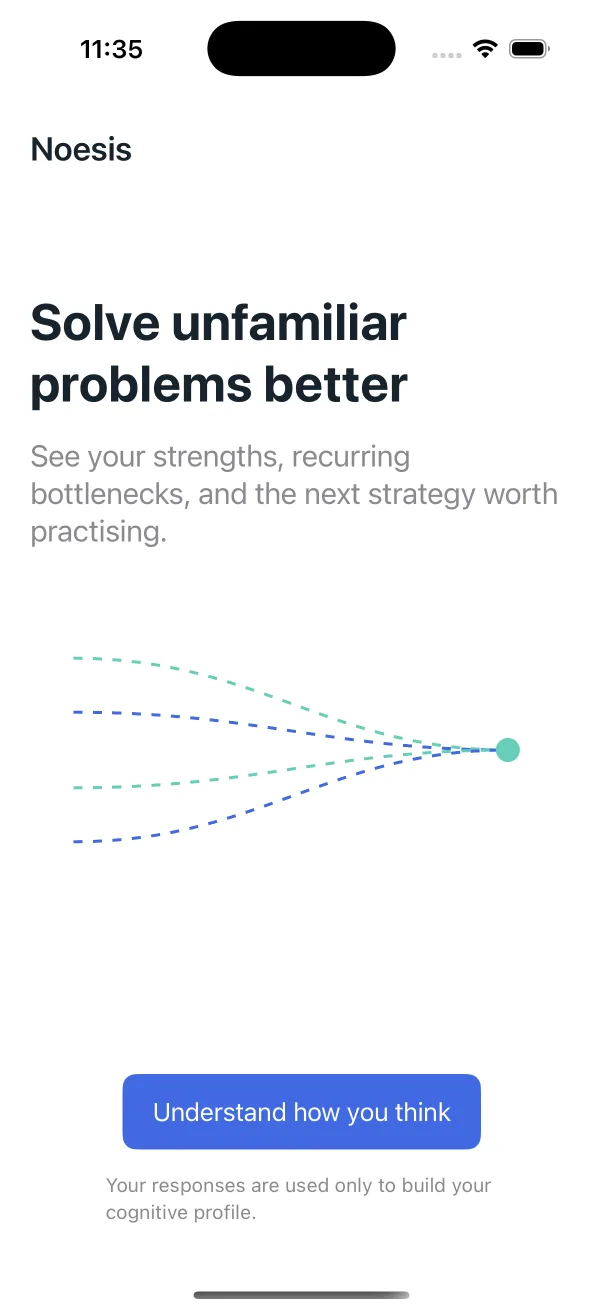
Work through unfamiliar problems while Noesis observes how you approach them.
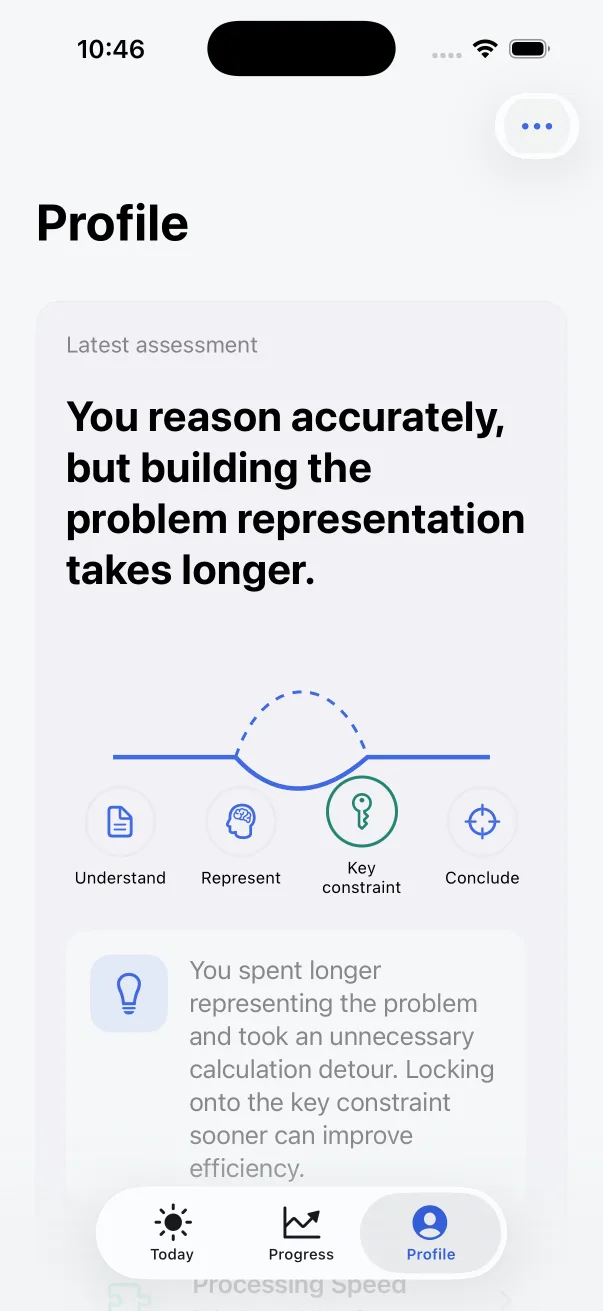
See evidence-scoped strengths, bottlenecks, and recurring strategy patterns.
Train one useful strategy through focused, adaptive exercises.
Try the strategy in a new context and build a repeatable problem-solving habit.
Unfamiliar problems often fail before calculation begins: the goal is unclear, relevant constraints are hidden among noise, or a familiar method is applied to the wrong representation.
Noesis focuses on the decisions between reading a problem and submitting an answer—the part most scores leave unexplained.
Noesis separates outcome, timing, and process so each answer reveals more than a single score.
Selected answer, correctness, item version, attempts, and whether a response was completed independently.
Time to first effective interaction and time to submission, interpreted alongside reading and task demands.
Hint use, revisions, checkpoints, and optional strategy reflection—useful for feedback, but not interchangeable with ability.
Together, they turn complex performance into clear training directions without reducing a person to a rank or fixed label.
Filter and act on information efficiently.
Model quantitative relationships.
Infer structures and rules.
Reason from conditions and evidence.
Retain and update information while operating on it.
Turn complexity into manageable parts.
Detect failure and change strategy.
The next workout is assembled from the evidence available now, while preserving the difference between independent performance and assisted learning.
Combine repeated task behavior, confidence, recent practice, and selected goals.
Prioritize a useful, explainable action such as identifying constraints or improving problem representation.
Practise across different-looking problems so success is not just memorising one question format.
Add new evidence after completion and reassess only when a pattern is repeated.
See how Noesis turns task results, timing, and problem-solving actions into a specific next step you can understand and practise.
Explore the methodCore activity stays on your device by default. Sync is optional, and training activity is never sent to an external AI provider.
Read the privacy policyNo. It is a cognitive exercise and strategy-reflection product. It does not produce a clinical diagnosis or a complete measure of intelligence.
It describes patterns supported by the tasks and conditions completed so far, together with confidence and scope. It is not a permanent label.
Noesis looks for a strategy first in focused practice, then in structurally similar problems, and finally in a different context.
No account is required for the core starter experience. Sign in with Apple and sync are optional.
Assessment and training activity stays on your device by default. If you enable sync, the app explains which records are uploaded and provides export and deletion controls.
Begin with the starter assessment, see what the available evidence supports, and practise one strategy at a time.
Coming to the App Store